Introduction
Instagram Stories are designed to be quick, visual, and temporary, but viewing them through the official app normally connects the activity to a logged-in account. This has created demand for browser-based tools that let people check public content without appearing in a creator’s viewer list. InSnoop belongs to this category.
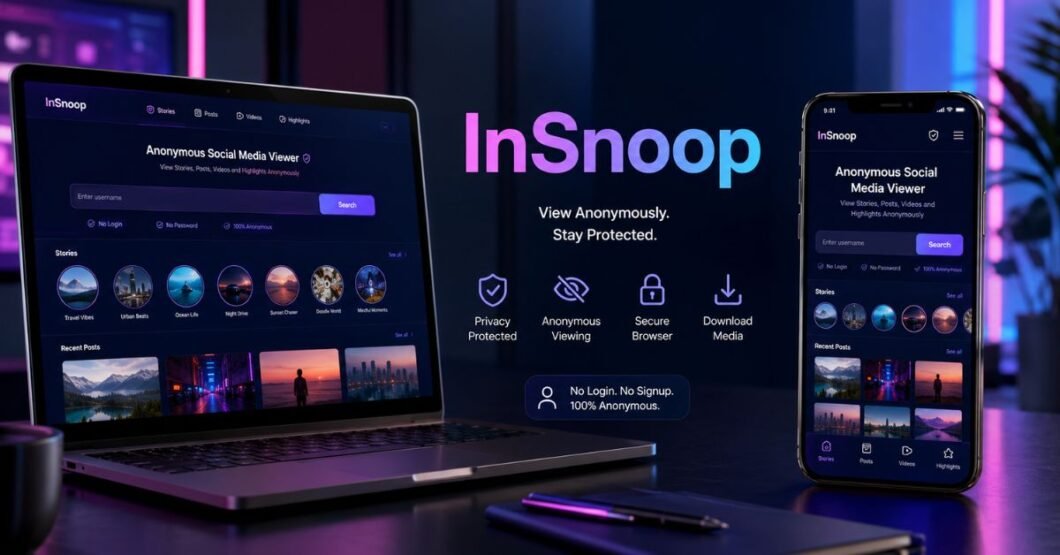
InSnoop is presented as a free web tool for viewing and downloading Stories and Highlights from public Instagram profiles without registration or an Instagram login. Users enter a public username, browse available media, and save selected files. The service says it works through a browser on phones, tablets, and computers. enience should not replace caution. Anonymous viewing does not remove copyright, privacy, security, or ethical responsibilities. This guide explains what the service does, how it works, where it may be useful, what it cannot access, and how to use this type of Instagram viewer responsibly.
What Is InSnoop?
InSnoop is an online Instagram viewer and downloader focused on publicly available media. Its websites describe it as a no-login service for viewing Stories and Highlights without displaying the visitor’s Instagram username to the profile owner. Some versions also advertise support for posts, photos, videos, or reels.
Characteristics include
- Browser-based access
- No Instagram password required
- Support for public profiles
- Anonymous Story viewing
- Image and video downloads
- Mobile and desktop compatibility
Several domains currently use the InSnoop name. Features, policies, advertisements, and ownership details may differ. Readers should verify the exact domain and avoid any page that asks for an Instagram password.
How Anonymous Story Viewing Works
A third-party Story viewer generally acts as an intermediary. Instead of opening a Story through your logged-in profile, the service retrieves media connected to a public username and displays it through its own interface. InSnoop describes this as accessing public information through its servers rather than registering a view under the visitor’s identity.
Usually involves four steps
- Enter a public Instagram username.
- Let the website search for available content.
- Open Stories or Highlights in its viewer.
- Watch the media or download an available file.
“Anonymous” usually means anonymous to the Instagram profile owner. The viewer website may still receive an IP address, browser details, cookies, or analytics data, depending on its privacy practices.
Main Features and Benefits
The strongest benefit is convenience. Users do not need to create another account, install software, or connect Instagram credentials. The service markets free access, high-quality downloads, public Stories and Highlights, and support across common devices.
Benefits may include
- Private browsing: Check a public Story without using a personal Instagram account.
- Fast access: Search by username instead of signing in.
- Media reference: Save permitted campaign examples for research.
- Cross-device use: Open the tool in a standard browser.
- No credential sharing: A no-login viewer should not need your password.
It is best suited to occasional public-content viewing. It is not a complete analytics, scheduling, publishing, or account-management platform.
Responsible Use Cases
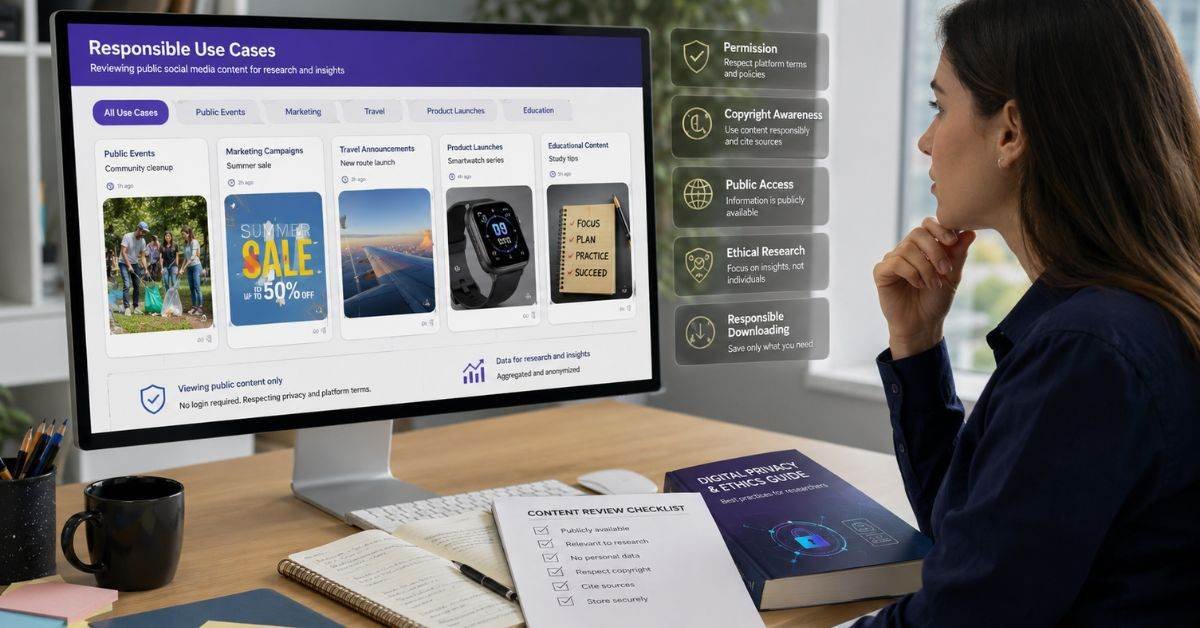
Anonymous viewers can serve legitimate purposes when users respect ownership and context. A marketer may study public Story formats, a journalist may observe a public announcement, or a designer may collect examples for private research. Researchers have also studied ways to archive temporary social media material because Stories disappear quickly.
- Reviewing public campaign formats
- Checking public event updates without an account
- Saving your own media as a backup
- Documenting public information for research
- Studying captions, layouts, polls, and visual storytelling
Avoid monitoring individuals obsessively, collecting sensitive details, redistributing personal material, or impersonating someone. Unlimited authorization is not the same as public availability.
InSnoop vs. Regular Instagram Viewing
The better option depends on whether you need interaction, verified access, or passive public viewing.
| Feature | InSnoop-Type Viewer | Official Instagram |
| Login required | Usually no | Usually yes |
| Public Stories | Yes, when available | Yes |
| Private content | No | Only with approval |
| Viewer identity | Tool claims it is hidden | Account may appear |
| Likes and replies | No | Yes |
| Downloads | Often offered | Limited |
| Account management | No | Yes |
InSnoop is suited to passive viewing. Instagram remains the right choice for following accounts, replying, publishing media, managing privacy, and maintaining authentic engagement.
How to Use It Carefully
A careful routine reduces security and privacy risks:
- Confirm that the profile is public.
- Check the domain spelling.
- Enter only the target username.
- Never provide your Instagram password.
- Reject unknown extension or app downloads.
- Close aggressive pop-ups.
- Download only files you have a reason to keep.
- Scan unusual files before opening them.
A genuine anonymous viewer does not need your Instagram login. If a page asks for sign-in details, backup codes, payment information for a free action, or “human verification” software, leave the website. Similar branding can make copycat domains difficult to identify.
Privacy and Security Checks
InSnoop does not require an Instagram login, but users should still be careful. Some similar websites may collect browser data, use tracking cookies, or show unsafe advertisements.
| Check | Safe Choice |
| Website | Use the correct HTTPS domain |
| Login | Never enter your Instagram password |
| Downloads | Open only JPG, PNG, or MP4 files |
| Ads | Avoid forced pop-ups and redirects |
| Privacy | Check the website’s privacy policy |
Use an updated browser and leave the site immediately if it asks for personal details or suspicious software downloads.
Copyright and Ethical Use
Downloading a public Story does not transfer ownership. Instagram advises users to post material they created or have permission to use, and its intellectual-property guidance prohibits content that violates another person’s rights.
- Did I create it?
- Did the owner give permission?
- Is it licensed for reuse?
- Is my use necessary for commentary or reporting?
- Could sharing it expose sensitive information?
Copyright exceptions differ by country and situation, so “public content is free to use” is not a safe rule. The responsible approach is to view privately, request permission before republication, credit the creator where appropriate, and avoid commercial use without clear rights.
Limitations and Common Problems
InSnoop cannot provide the same access as an approved follower. Its pages state that private profiles are unavailable, while Story availability can change when content expires, is deleted, or is restricted. include:
- No results: The username may be wrong, private, or changed.
- Missing Story: It may have expired or been deleted.
- Download failure: Browser permissions or network problems may interfere.
- Low quality: The service may receive a reduced version.
- Site unavailable: Instagram changes can disrupt third-party tools.
- Too many ads: You may be on a lower-quality imitation site.
Do not try to bypass private-account controls. They exist to limit access and should be respected.
FAQs
Is InSnoop free to use?
Yes, InSnoop is generally available as a free web-based tool.
Can InSnoop view private profiles?
No, it only works with public Instagram accounts.
Do I need an Instagram login?
No, you can view public content without signing in.
Can I download Stories with InSnoop?
Yes, available public Stories and Highlights may be downloaded.
Is InSnoop safe?
It can be safer without login, but users should avoid suspicious ads, redirects, and password requests.
Conclusion
InSnoop offers a simple way to view and download available media from public Instagram profiles without signing into an account. Its browser-based design, no-registration approach, and Story and Highlight support may help with casual viewing, research, campaign observation, or backing up your own content. However, private accounts remain inaccessible, temporary media may disappear, third-party services can change, and several domains use similar branding.
The safest approach is to verify the domain, refuse requests for Instagram credentials, review privacy information, avoid suspicious downloads, and reuse media only with permission or a valid legal basis. Anonymous viewing should protect browsing preferences not enable harassment, infringement, impersonation, or privacy abuse.
Used carefully, InSnoop can be a convenient public-content viewer. Used carelessly, any third-party social media tool can create privacy, security, and legal risks.